Saving OpenCode Sessions After Laptop Swap
The Empty Session List
My laptop got swapped recently, and the first thing I did on the new one was restore my ~/.local/share/opencode folder from backup. Inside was opencode.db — a 289 MB SQLite file I assumed held every session I’d ever run.
I opened OpenCode expecting my history. The list showed one session: the one I’d just started. My stomach did the thing.
The Data Was Never Gone
Before touching anything, I checked the source. The database was right there:
1
sqlite3 ~/.local/share/opencode/opencode.db ".tables"
163 rows in the session table. Titles, timestamps, token counts, the lot. The sessions hadn’t vanished — they just weren’t showing up.
That reframed the whole problem. This wasn’t recovery. It was a visibility bug, and the data was intact.
The Clue in One Column
Every old session carried the same field:
1
directory | /Users/pid-alvian
That was my old laptop’s account name. The new one is /Users/pid-user. Same home, different username.
OpenCode maps your home directory to a project it calls global, and the session list isn’t “all sessions” — it’s scoped to the directory you launched in. I proved it with two calls to the local server:
1
2
3
opencode serve --port 4099 &
curl -s "http://127.0.0.1:4099/session?directory=/Users/pid-alvian" | jq length  # 100
curl -s "http://127.0.0.1:4099/session?directory=/Users/pid-user"   | jq length  # 1
Same database, same sessions — filtered by a path that no longer existed. My history was there, just filed under a name that wasn’t mine anymore.
The Wrong Fix
My first instinct was OpenCode’s own export and import commands. Clean, supported, obviously correct.
It wasn’t. export returns one session at a time as {info, messages}, and it doesn’t include child sessions — the subagent runs spawned under a parent. Some of mine had three children each. Worse, importing re-creates sessions, which would have duplicated all 163 rows already sitting in the database.
The detour cost a few minutes, not my data. Before trusting the “official” path, look at what the data actually is.
The Fix: One Column
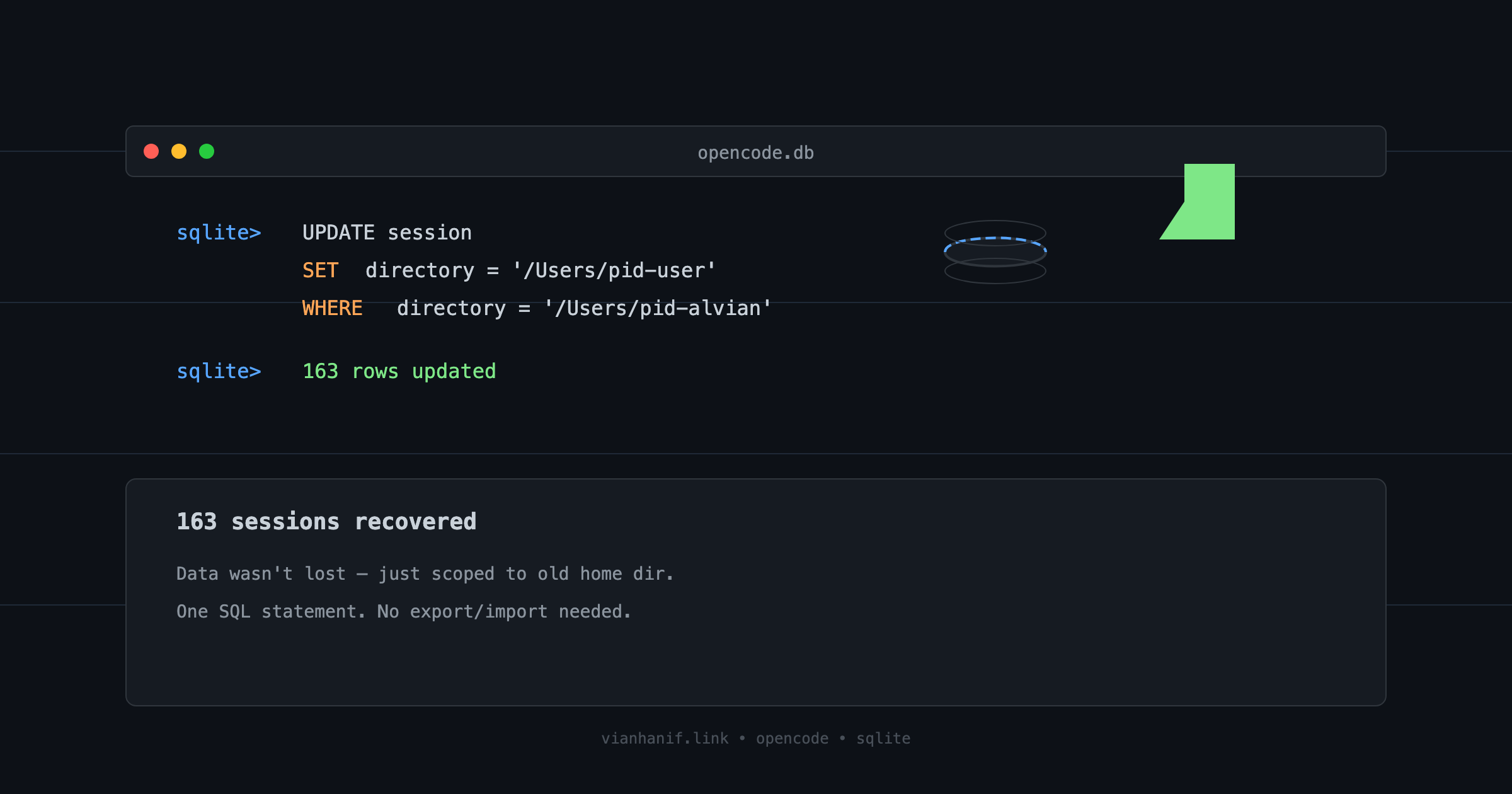
Only one table stored the path — session, columns directory and path. So I backed up the database first, then ran a single update:
1
2
3
UPDATE session
SET directory = '/Users/pid-user', path = 'Users/pid-user'
WHERE directory = '/Users/pid-alvian';
One statement. All 163 sessions remapped. The old directory filter returned zero, the new one returned everything, and the CLI listed all 27 top-level sessions.
What I’d Take From It
State keyed to a machine’s identity — a username, a home path — doesn’t travel when you move machines. The file copies over fine; the reference inside it doesn’t.
Two habits earned their keep here: check the data before assuming it’s lost, and reach for the smallest change that fixes it. The export/import detour would have worked, eventually, and quietly doubled my history. One column did the job without touching anything else.
Sources